Digital organizations increasingly need tools that simplify website management, collaboration, and compliance with modern web standards. One solution that has gained attention in the French public and educational sector is ElgeaWeb v3.
This third-generation platform aims to centralize website creation, content management, and collaborative workflows in a single interface. Designed primarily for institutions such as schools, municipalities, and organizations managing multiple websites, ElgeaWeb v3 offers a structured approach to publishing and digital governance.
In this guide, we explore what ElgeaWeb v3 is, how the platform works, its main features, advantages, limitations, pricing model, and how it compares with other content management systems.
Table of Contents
What Is ElgeaWeb v3?
ElgeaWeb v3 is a web content management platform developed by the French company Elgea. The solution allows organizations to create, manage, and publish multiple websites from a centralized dashboard.
The third version introduces a redesigned user interface, improved collaboration tools, and stronger compliance with European digital standards such as accessibility and data protection regulations.
Unlike open-source CMS platforms that require extensive configuration, ElgeaWeb v3 focuses on providing an integrated environment where content creation, document management, and workflow validation are already built into the system.
Main Features of ElgeaWeb v3
ElgeaWeb v3 includes several features designed to simplify web publishing for teams that may not have strong technical skills.
- Responsive interface optimized for mobile and tablet devices
- WYSIWYG editor for creating pages without coding
- Central dashboard for managing multiple websites
- Granular user permissions for role-based access
- Integrated tools for GDPR compliance and consent management
The platform architecture is also designed to meet accessibility standards commonly required by public institutions, making it suitable for organizations that must comply with strict digital regulations.
Content Creation and Editing
At the core of ElgeaWeb v3 lies its content editor. The WYSIWYG interface allows users to build and update pages without programming knowledge.
Editors can easily insert images, videos, tables, forms, and structured sections while previewing the final layout in real time. This simplifies the publishing process and reduces dependency on developers.
The platform also includes templates for common pages such as:
- homepages
- blog articles
- contact pages
- image galleries
- informational landing pages
For most organizations, this makes it possible to publish content quickly while maintaining consistent visual design.
Integrated Document Management
ElgeaWeb v3 includes a built-in media library designed to store and organize files centrally.
The system supports common formats such as PDF documents, images, videos, and office files. Files can be categorized with folders and tags, making them easier to retrieve later.
Key document management features include:
- advanced search and filtering
- automatic image optimization for web performance
- file version history
- metadata support for accessibility requirements
Automatic media optimization is particularly useful because it generates different image sizes for various devices, helping reduce page load times.
Collaboration and Workflow Management
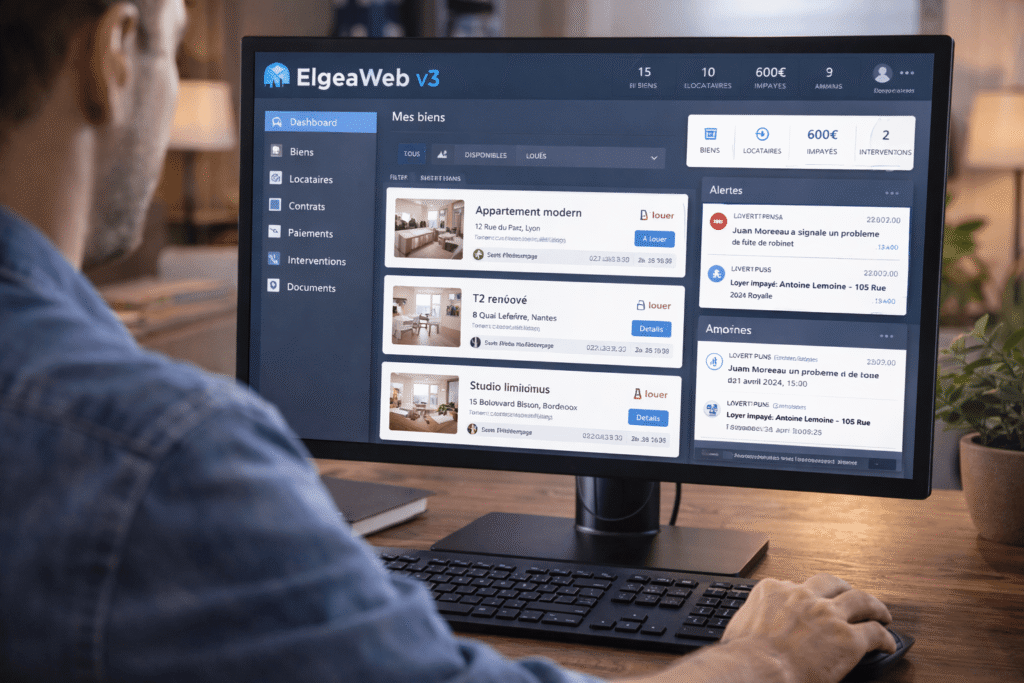
One of the major improvements introduced with ElgeaWeb v3 is its collaborative workflow system.
Organizations can define multi-step validation processes before publishing content. For example:
- a contributor writes an article
- a reviewer checks the content
- a manager approves publication
Each stage generates notifications and maintains a history of changes. This system helps institutions maintain quality control and editorial consistency.
Internal commenting tools also allow teams to collaborate directly within the platform without relying on external communication tools.
Technical Requirements for ElgeaWeb v3
Before deploying ElgeaWeb v3, organizations should ensure that their hosting environment meets the minimum technical requirements.
Server requirements typically include:
- PHP 7.4 or higher (PHP 8 recommended)
- MySQL or MariaDB database
- Apache or Nginx web server
- minimum 2 GB RAM (4 GB recommended)
- adequate storage for media files
Modern web browsers are required on the client side to access the administration interface and editing tools.
Advantages of ElgeaWeb v3
Several aspects explain why organizations adopt this platform.
Regulatory Compliance
ElgeaWeb v3 is designed with European regulatory standards in mind. Built-in GDPR tools and accessibility support help organizations comply with legal requirements more easily.
French Hosting and Data Sovereignty
For public institutions and organizations concerned about data sovereignty, the ability to host data within France is an important factor.
Dedicated French-Speaking Support
Unlike many global CMS platforms, ElgeaWeb v3 offers support in French, which can significantly reduce operational friction for organizations operating locally.
Limitations to Consider
Despite its strengths, ElgeaWeb v3 also presents some limitations.
Smaller Extension Ecosystem
Compared with platforms like WordPress, which offer tens of thousands of plugins, ElgeaWeb v3 has a more limited module ecosystem.
Learning Curve for Advanced Features
While basic tasks are easy to learn, mastering advanced configuration and workflow features may require training.
Migration Complexity
Moving from ElgeaWeb v3 to another CMS can require significant effort, particularly if custom templates and workflows are used.
ElgeaWeb v3 Pricing Model
The platform generally follows an annual licensing model, with pricing varying depending on the number of websites and the level of support required.
| License Type | Main Features |
|---|---|
| Standard | Single website, updates included, basic support |
| Professional | Multiple websites, priority support, advanced modules |
| Enterprise | Unlimited websites, dedicated support, custom configuration |
Additional costs may include hosting, training sessions, and custom development.
ElgeaWeb v3 vs Other CMS Platforms
When evaluating ElgeaWeb v3, it is useful to compare it with other popular content management systems.
WordPress: extremely flexible with a large plugin ecosystem, but requires ongoing maintenance and security management.
Drupal: powerful for complex projects but more difficult to learn.
Joomla: positioned between WordPress and Drupal in complexity.
ElgeaWeb v3 focuses on providing a controlled and integrated environment rather than maximum customization.
Performance Optimization Tips
To ensure optimal performance with ElgeaWeb v3, administrators should follow several best practices:
- enable server-side caching systems
- use a content delivery network (CDN)
- compress files using GZIP
- optimize images before uploading
- audit the media library regularly
These optimizations help reduce page load times and improve the user experience.
Conclusion
ElgeaWeb v3 is a structured and reliable content management solution designed primarily for institutions that require centralized web management and regulatory compliance.
While it does not offer the same level of customization as open-source platforms, it compensates with integrated workflows, compliance features, and dedicated support.
For organizations prioritizing governance, collaboration, and regulatory alignment, ElgeaWeb v3 represents a practical and stable CMS solution. And for more performance, think about AI automation.
FAQ
What is ElgeaWeb v3 used for?
ElgeaWeb v3 is a content management platform used to create and manage websites from a centralized interface.
Who typically uses ElgeaWeb v3?
The platform is commonly used by educational institutions, public organizations, and entities managing multiple websites.
Is ElgeaWeb v3 suitable for e-commerce?
It is mainly designed for content management rather than full e-commerce platforms.
Does ElgeaWeb v3 require coding skills?
No. The WYSIWYG editor allows users to create and manage pages without programming knowledge.
How does ElgeaWeb v3 compare to WordPress?
WordPress offers more flexibility and plugins, while ElgeaWeb v3 focuses on integrated features and structured governance.