The MacBook Pro M4 represents a major step forward in Apple’s laptop lineup. More powerful, more efficient, and better suited for modern professional workflows, it targets creators, developers, digital entrepreneurs, and advanced users.
But here’s the reality: not every MacBook Pro M4 is the same. Between the M4, M4 Pro, and M4 Max chips, choosing the right configuration depends entirely on your real needs. Overbuying wastes money. Underbuying limits you in the long run. The goal is simple: make a smart, strategic choice.
Table of Contents
Why the MacBook Pro M4 matters
With the M4 generation, Apple focuses on three core improvements: raw performance, graphics power, and energy efficiency. This is especially relevant for digital workflows such as content creation, web development, video editing, AI tools, and multitasking-heavy environments.
The M4 chip is built on Apple Silicon architecture, designed to deliver high performance with low power consumption. The result: a machine that stays fast, quiet, and reliable—even under sustained workloads.
To better understand Apple’s chip evolution, you can check the official Apple announcement on M4 Pro and M4 Max chips.
MacBook Pro M4 vs M4 Pro vs M4 Max
MacBook Pro M4: best for most users
The base MacBook Pro M4 is already a powerful machine. It’s ideal for advanced productivity, blogging, SEO, website management, light video editing, design tools like Figma or Photoshop, and everyday digital work.
For digital entrepreneurs, freelancers, and students, this is often the most rational choice. It offers an excellent balance between performance, battery life, and price.
MacBook Pro M4 Pro: for creators and technical users
The M4 Pro becomes relevant if your workflow is heavier: 4K video editing, software development, audio production, large datasets, or intensive multitasking.
This model is ideal if you want a long-term machine that can handle demanding workloads for several years without slowing down.
MacBook Pro M4 Max: for extreme workloads
The M4 Max targets a smaller audience: professional video editors, 3D artists, AI engineers, and users replacing a desktop workstation with a laptop.
For SEO, blogging, online business, or general content creation, the M4 Max is often overkill. Powerful, yes—but not always necessary.
Display, battery life and connectivity
The MacBook Pro M4 features one of the best laptop displays available, thanks to Liquid Retina XDR technology. Whether you’re editing videos, designing interfaces, or simply working long hours, the visual comfort is a real advantage.
Battery life is another strong point. Depending on usage, the MacBook Pro M4 can last through a full workday, making it ideal for remote work, travel, and flexible setups.
In terms of connectivity, MacBook Pro models offer solid versatility with Thunderbolt ports, HDMI, SD card slot, and MagSafe charging. Higher-end models also benefit from newer connectivity standards, which are useful for professional workflows and high-speed data transfers.
Which configuration should you choose?
For standard digital work—SEO, blogging, WordPress, content creation, marketing tools, AI usage—16GB of unified memory can be enough. However, if you want better long-term performance, aiming for 24GB or 32GB is a smarter investment.
For storage, 512GB works if you rely heavily on cloud services. But for video editing, photography, or local file-heavy workflows, 1TB is often a safer choice.
Here’s a simple breakdown:
- Web, SEO, business, students: MacBook Pro M4 with 16–24GB RAM
- Content creation, design, development: MacBook Pro M4 Pro with 24–36GB RAM
- 3D, AI, professional video: MacBook Pro M4 Max with high-end configuration
MacBook Pro M4 vs MacBook Air
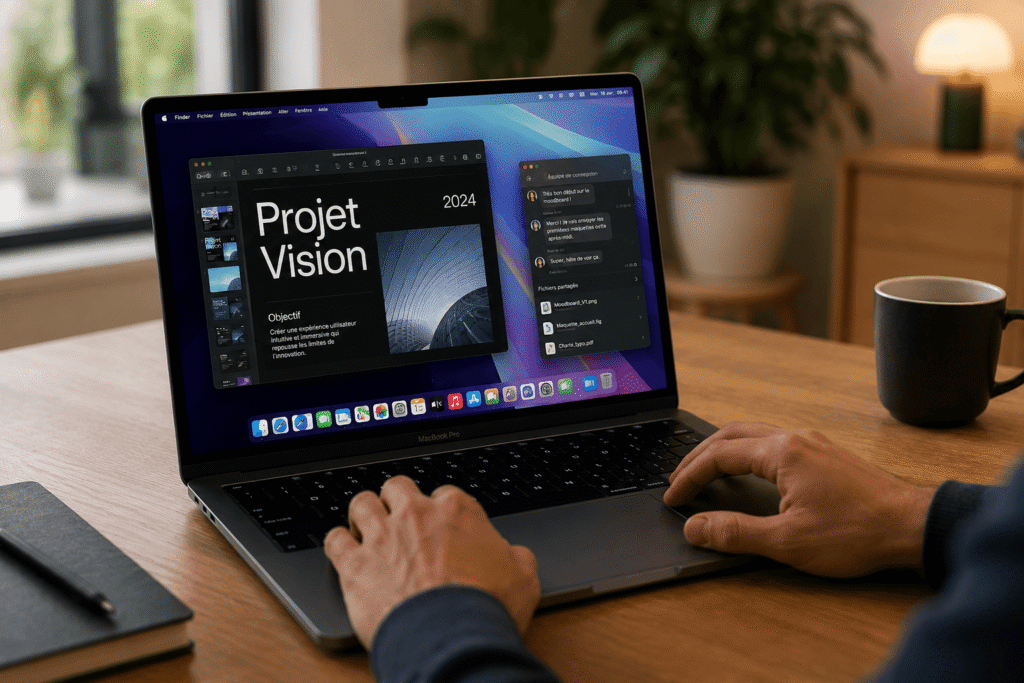
The MacBook Air is still a great machine. However, the MacBook Pro M4 stands out with a better display, improved thermal performance, more ports, and sustained performance under heavy workloads.
If your laptop is your main work tool, the MacBook Pro M4 is often worth the upgrade. If your usage is lighter, the MacBook Air remains a strong alternative.
Expert opinion on the MacBook Pro M4
The MacBook Pro M4 is a highly capable machine—but buying it blindly is a mistake. The key is alignment between your actual needs, your budget, and your long-term usage.
For most digital professionals, the base M4 is already more than enough. The M4 Pro is the sweet spot for long-term performance and comfort. The M4 Max should be reserved for highly demanding workflows.
For a broader understanding of Apple’s chip ecosystem, you can also explore Apple Silicon on Wikipedia.
Conclusion: should you buy a MacBook Pro M4?
Yes—the MacBook Pro M4 is an excellent choice if you need a powerful, reliable, and long-lasting laptop. It’s particularly relevant for digital professionals, creators, developers, and users who rely heavily on their machine.
The key is not to buy “the most powerful,” but “the most appropriate.” That’s where real value is created.