Have you ever tried to share a URL so long and complicated that it looked out of place in an email, text message, or social media post? Long URLs can be difficult to read, remember, and manage, especially when they contain tracking parameters or complex page structures.
A shortlink solves this problem by redirecting a compact URL to a longer destination. But shortening a link is no longer just about saving characters. In 2026, URL shorteners can also help you create branded links, track clicks, generate QR codes, organize campaigns, and manage redirects. The challenge is choosing a reliable service without compromising security or user trust.
This guide explains how shortlinks work, how to create them safely, which URL shorteners are worth considering, and how to manage shortened URLs for marketing, business, or everyday use.
In short:
- Shortlinks make long URLs easier to share and can improve the presentation of marketing and social media content.
- Security matters because shortened URLs can hide their final destination.
- Popular tools such as TinyURL, Bitly, and Short.io offer different levels of customization, analytics, and link management.
- Branded short links can use your own domain and a descriptive slug to make URLs easier to recognize.
- Self-hosted links are another option if you want more control over redirects and your domain.
Table of Contents
What is a shortlink and how does URL shortening work?
A shortlink is a compact URL that redirects visitors to another, usually longer, web address. Instead of sharing a URL containing dozens of characters, parameters, and tracking codes, you can create a much shorter address that is easier to copy and share.
For example, a long campaign URL might contain several UTM parameters used for analytics. A URL shortener stores that destination and assigns it a shorter identifier, creating an address such as example.co/summer-sale.
When someone clicks the shortlink, the shortening service receives the request and redirects the browser to the original destination. Depending on the platform, the service may also record information such as the number of clicks, referring source, approximate location, device type, or time of access.
This makes shortlinks useful beyond simple URL cleanup. Marketing teams can use them to organize campaigns and measure engagement, while developers can integrate link creation into applications through APIs. If you are exploring the technical side of web development, our full-stack developer guide explains how front-end and back-end technologies work together in modern web projects.
Why use shortened URLs in 2026?
Modern social platforms no longer make character limits the only reason to shorten a URL. Today, the main advantages are cleaner presentation, easier campaign management, branding, QR code generation, and analytics.
- Cleaner sharing: replace complex URLs with compact links that are easier to copy and display.
- Campaign tracking: some services provide click, device, referrer, and geographic analytics.
- Branding: custom domains and descriptive slugs can make links more recognizable.
- Link management: organize URLs by campaign, tag, folder, or project.
- QR codes: many modern shortlink platforms can generate QR codes connected to shortened URLs.
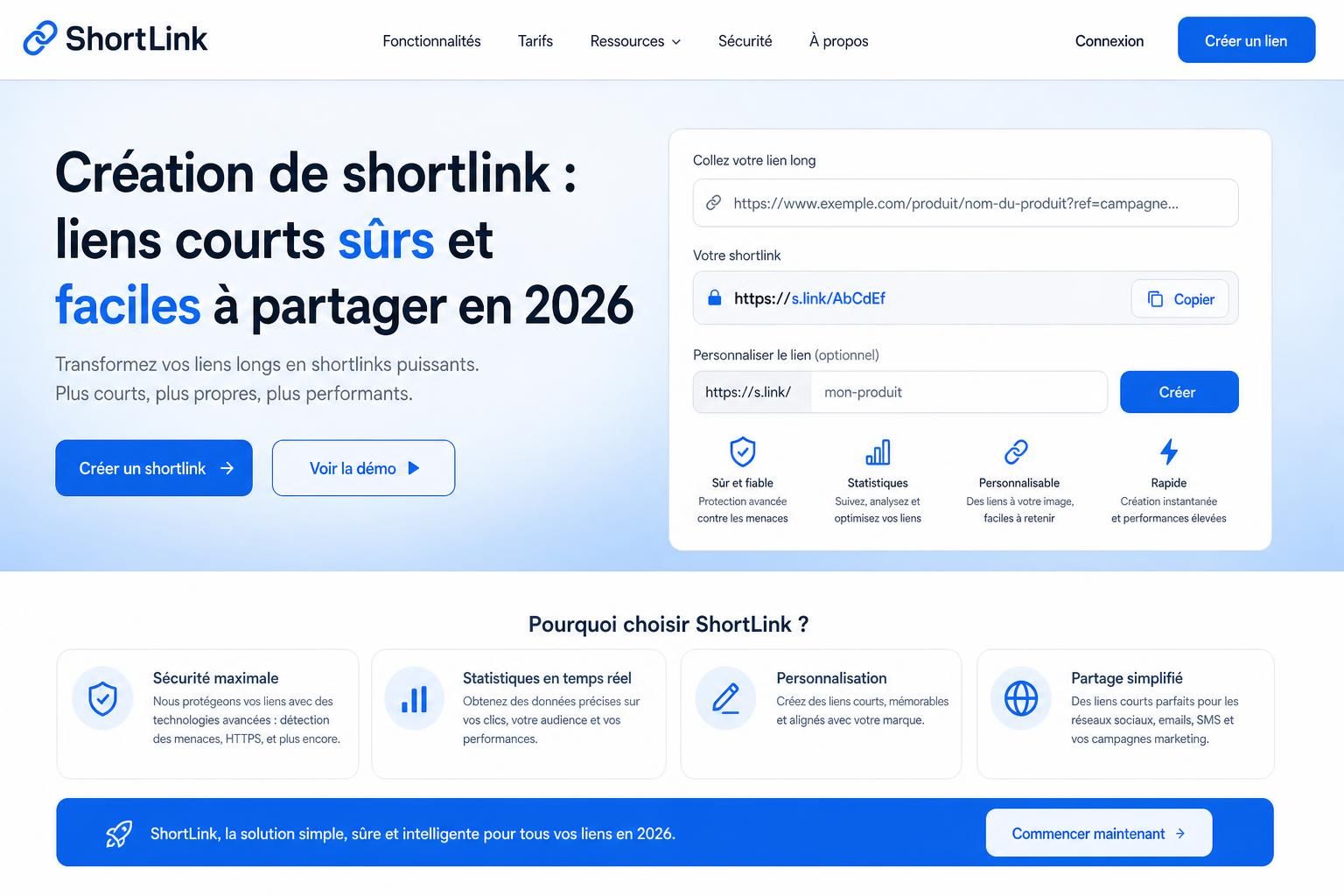
Best URL shorteners in 2026: TinyURL vs Bitly vs Short.io
There is no single URL shortener that is ideal for everyone. A user who occasionally needs a compact link has very different requirements from a marketing team managing thousands of branded URLs.
Here is a practical comparison of three well-known options.
| Service | Best for | Custom links | Analytics | Custom domains |
|---|---|---|---|---|
| TinyURL | Quick and simple shortening | Yes | Depends on plan | Depends on plan |
| Bitly | Marketing and link management | Yes | Available on selected plans | Available on selected plans |
| Short.io | Branded links and advanced management | Yes | Yes | Yes |
TinyURL: simple URL shortening
TinyURL is one of the most recognizable names in URL shortening. Its main advantage is simplicity: paste a long URL, generate a shorter version, and share it.
It is a practical option when you primarily want to make a URL easier to distribute without building an advanced link-management workflow. Features such as analytics and branding can vary according to the account or plan being used, so check the current offering before choosing it for professional campaigns.
Bitly: a strong option for marketing and branding
Bitly goes beyond basic URL shortening by combining links, QR codes, landing pages, and campaign-management features. This makes it particularly relevant for marketers and businesses that want to manage multiple digital touchpoints from one platform.
As of 2026, Bitly’s free plan allows up to five short links per month. More advanced plans increase the monthly link allowance and add features such as click analytics, redirects, branded links, and custom domains.
The main advantage is therefore not simply making a URL shorter. Bitly becomes more useful when you want to manage links as measurable marketing assets rather than isolated redirects.
Short.io: custom domains and advanced link management
Short.io focuses heavily on branded shortlinks. Its free plan currently includes up to 1,000 branded links and supports custom domains, making it an interesting option for individuals and smaller projects that want URLs carrying their own brand.
The platform also provides analytics, QR codes, API access, tags, editable URL slugs, and destination management. More advanced plans add capabilities such as password protection, link expiration, geographic targeting, and additional management features.
If you expect to automate link creation inside a website or application, API support can be particularly valuable. Skills involving APIs, databases, redirects, and server-side logic are also common across many of the roles covered in our Tech Careers section.
How to choose the right URL shortener
Before choosing a shortlink service, determine what you actually need from it. For occasional sharing, a basic tool may be enough. For a business, analytics, custom domains, account security, API access, and long-term link management can matter much more.
- Volume: how many short URLs do you need to create?
- Analytics: do you need to measure clicks, devices, locations, or referrers?
- Branding: can you connect your own short domain?
- Security: does the platform provide HTTPS and appropriate account protections?
- Link controls: can you edit destinations, set expiration dates, or protect selected URLs?
- API access: can you automate link creation from another application?
Pricing and feature limits can change frequently, so always check the provider’s current plan before committing your business workflow to a particular service.
Are shortlinks safe?
Shortened URLs are not inherently dangerous, but they create an important security issue: the destination is not always obvious before you click.
Attackers can abuse URL shorteners to disguise phishing pages, malicious downloads, or fraudulent websites. A familiar shortening domain therefore does not automatically mean that the final destination is trustworthy.
Google’s Safe Browsing technology is one example of the systems designed to identify dangerous websites and help protect users from threats such as phishing and malware.
How to create and share shortlinks safely
- Use established providers with clear security and privacy policies.
- Check the destination before sharing a shortened URL.
- Add context when sending a shortlink so recipients know where it should lead.
- Use branded domains when appropriate to make your links easier to recognize.
- Protect sensitive links with access controls when your chosen service supports them.
- Monitor unusual activity if analytics are available, particularly for important business campaigns.
HTTPS is also important because it encrypts the connection between the visitor and the shortening service. However, HTTPS alone does not prove that the final destination is safe. A malicious website can also use HTTPS, so users should still verify unfamiliar links before entering passwords or other sensitive information.
How to manage shortlinks effectively
Creating a short URL is only the beginning. If you use shortlinks for marketing or business, proper organization makes it much easier to understand which campaigns are generating traffic and which links still need to remain active.
- Centralize your links in one dashboard instead of creating them across several unrelated accounts.
- Use tags and folders to organize links by campaign, client, product, or channel.
- Add UTM parameters to destination URLs when you need campaign attribution in your analytics platform.
- Review click data to identify the channels and campaigns generating engagement.
- Document important links so they are not accidentally deleted while still being used in emails, QR codes, or printed material.
A structured naming convention can also help. Instead of generating an opaque slug such as /x7f92q, a branded campaign might use something like /summer-sale or /product-demo when the platform allows customization.
Can you create shortlinks on your own domain?
Yes. Using your own domain gives you greater control over the appearance and long-term management of your links. Instead of sharing a third-party domain, you can create URLs that remain associated with your brand.
There are two common approaches. The first is to connect a custom domain to a hosted URL-shortening platform. The second is to manage redirects directly on your own website or server.
WordPress users can also use link-management plugins to create and organize redirects from their own domain. This can be useful for affiliate links, campaigns, downloadable resources, and other URLs that need to remain easy to manage.
How to create a branded shortlink
A branded shortlink typically combines a recognizable domain with a descriptive slug. The goal is not simply to make the URL shorter, but to make it understandable and consistent with your brand.
For example, brand.co/product-demo immediately gives the recipient more context than a random sequence of characters. That extra context can make the link easier to recognize when it appears in an email, social post, presentation, or QR code.
- Keep the slug concise and easy to type.
- Describe the destination whenever possible.
- Avoid misleading wording that suggests a destination different from the actual page.
- Use a recognizable domain for important brand communications.
- Keep naming consistent across campaigns so your links remain easy to organize.
Shortlinks in 2026: convenience, tracking and control
URL shorteners remain useful in 2026, but their role has evolved. The best tools now combine compact URLs with branding, analytics, QR codes, campaign organization, APIs, and advanced link controls.
For occasional use, a simple URL shortener may be all you need. For marketing and business, prioritize a platform that gives you reliable link management, appropriate analytics, a custom domain option, and the security features required for your use case. Most importantly, remember that a shortlink hides its destination: always verify where a link leads before trusting or sharing it.
FAQ
What is a shortlink?
A shortlink is a compact URL that redirects users to a longer web address. It makes complex URLs easier to share and can also provide features such as analytics, branding, QR codes, and link management.
Are shortened URLs safe?
Shortened URLs can be safe, but the short format can hide the final destination. Use reputable services, verify unfamiliar links before entering sensitive information, and add context when sharing shortlinks with other people.
What are the best free URL shorteners in 2026?
TinyURL, Bitly, and Short.io are popular options, but their free plans serve different needs. Bitly currently offers a limited number of new short links each month, while Short.io provides a larger allowance of branded links. Features and limits can change, so check each provider’s current plan before choosing.
Can I create shortlinks with my own domain?
Yes. Some URL-shortening services let you connect a custom domain, while website owners can also manage redirects directly through their own site, server, or link-management software.
Do shortlinks affect SEO?
A shortlink is primarily a redirect and should not replace a clear internal linking structure on your website. For important SEO links, use descriptive anchor text and direct URLs where appropriate. Shortlinks are generally more useful for sharing, campaign tracking, offline materials, and QR codes.